

Documentation Index
Fetch the complete documentation index at: https://docs.teli.ai/llms.txt
Use this file to discover all available pages before exploring further.
Step 1
Click on the “Action” step in the Zapier workflow and type in “Teli AI” in the search bar.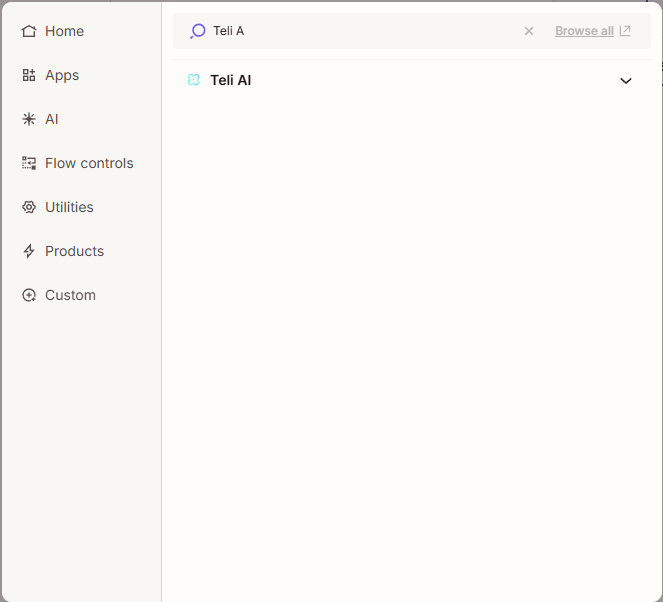
Step 2
Click “Account” and sign in to your Teli AI account.
Step 3
Click the “Trigger event” menu options and select “Add Lead to Campaign”.
Step 4
Click on the “Configure” tab. Click on the “Campaign” menu options. This displays all your available SMS campaigns. Select the campaign you’d like to add leads to. Minimum requirements for this action is the campaign and phone number.

Step 5
Once you’ve finished building yor zap and published it, whenever leads pass through the integration they should populate in the campaign you’ve selected. (Note: It’s highly advised that you start with a test lead to ensure the lead is populating in the correct campaign.)